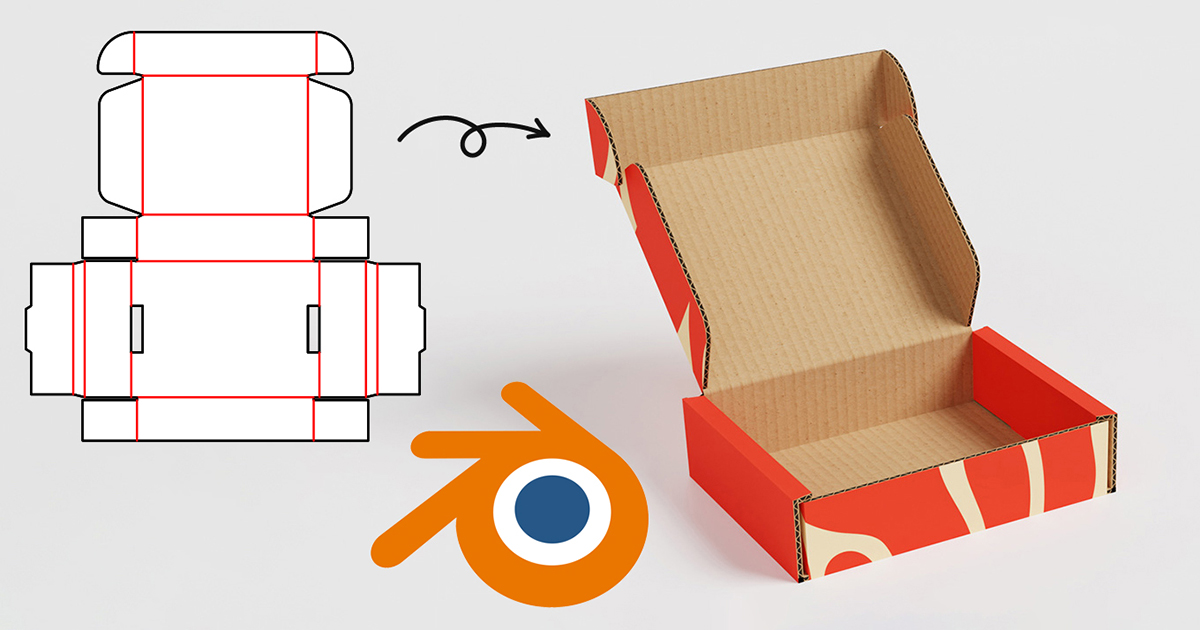
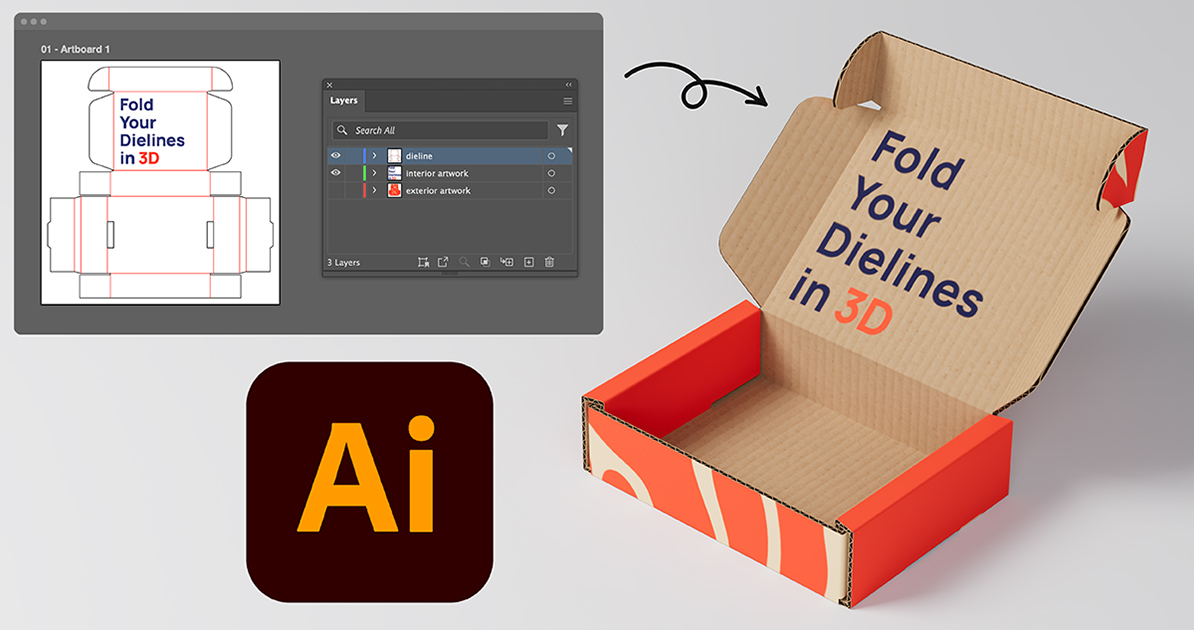
Quick start
From flat dieline to folded 3D mockup in five steps.
Import your dieline
Upload your 2D dieline, and PackCAD Mockup builds a foldable model automatically.
Set material
Choose from a library of realistic packaging materials and thicknesses.
Apply your artwork
Add front and back artwork with pixel-perfect alignment on the dieline.
Fold & pose
Fold, pose, and keyframe a realistic 3D mockup of your packaging.
Render & Export
Export 3D models and photorealistic renderings for proofing and presentations.
Browse the docs
Guides, tutorials, and tips to help you get the most out of PackCAD Mockup.
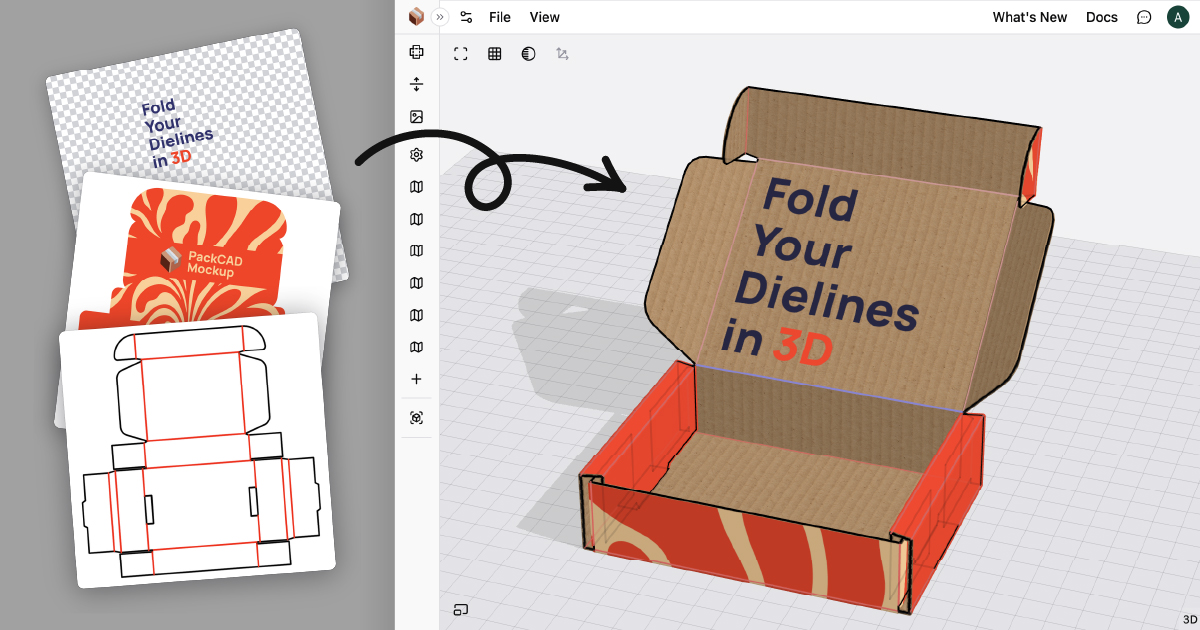
Create your first 3D packaging mockup right in the browser.
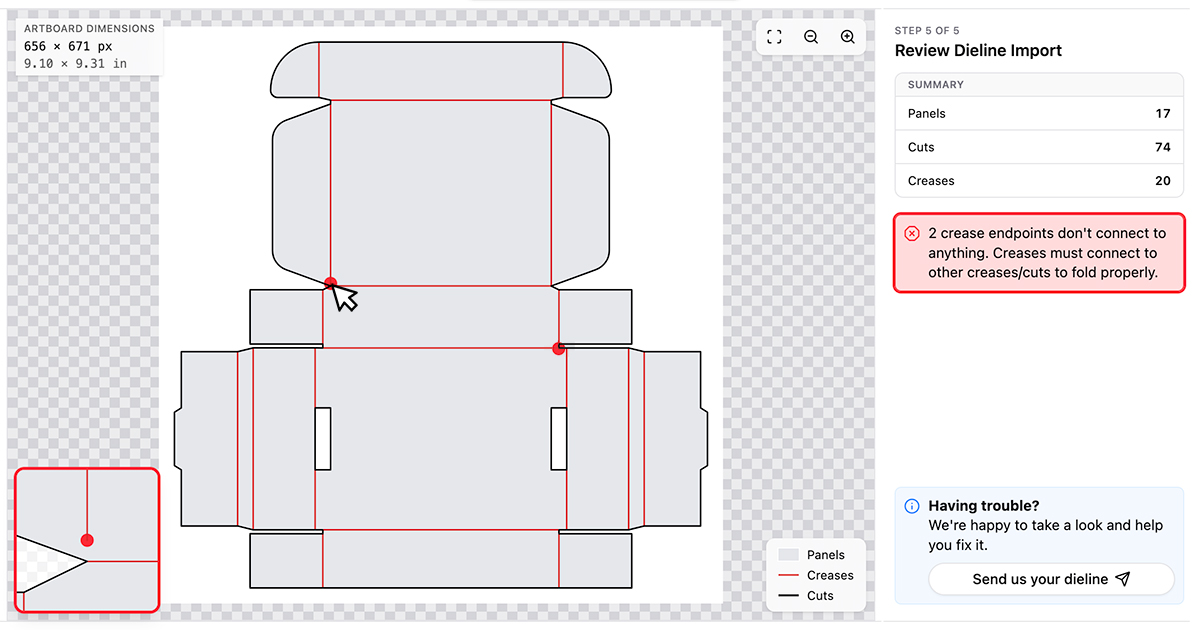
Fix common dieline issues so cuts and creases are detected cleanly.
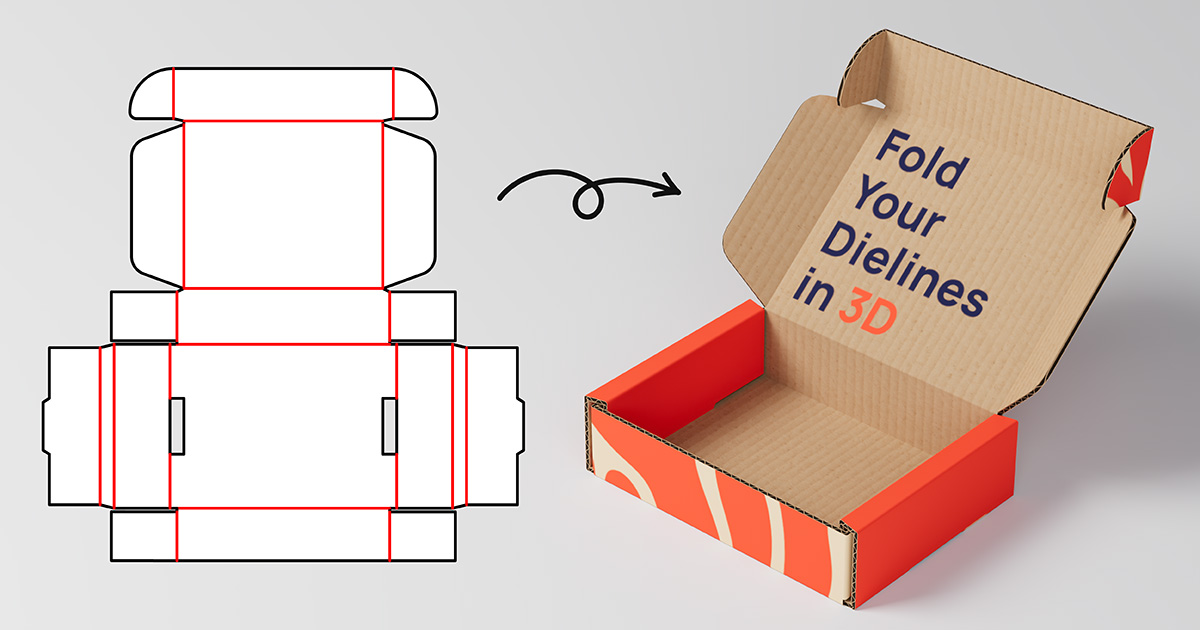
Create studio-quality renderings of your packaging without leaving the app.
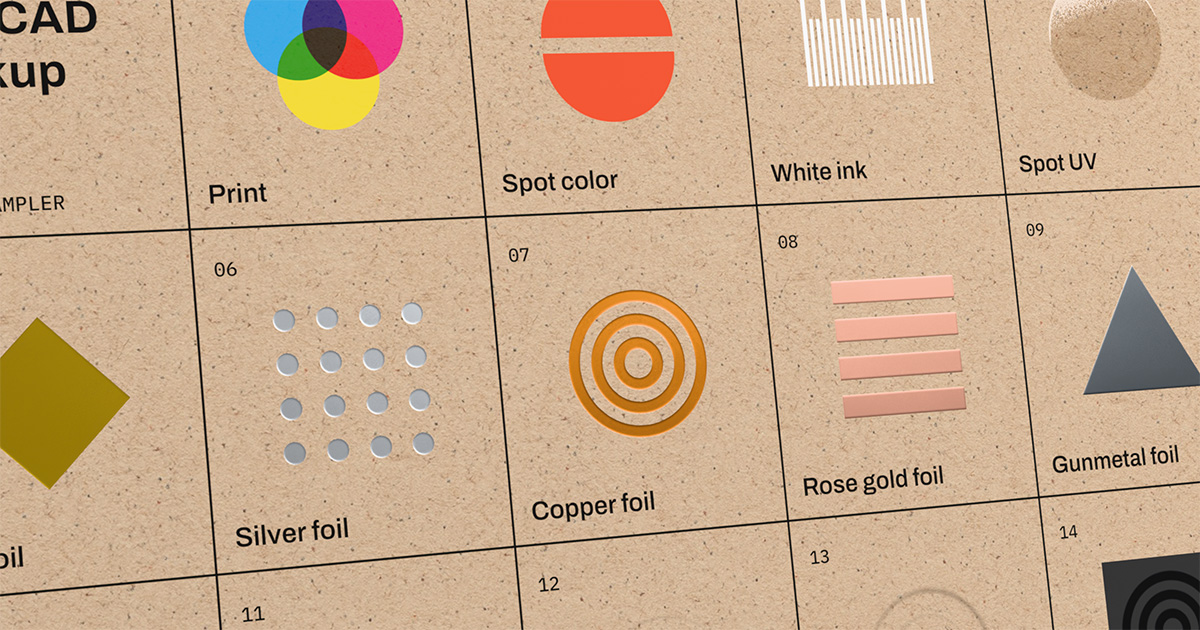
Preview spot UV, spot colors, foil, emboss, and coatings on your mockup.
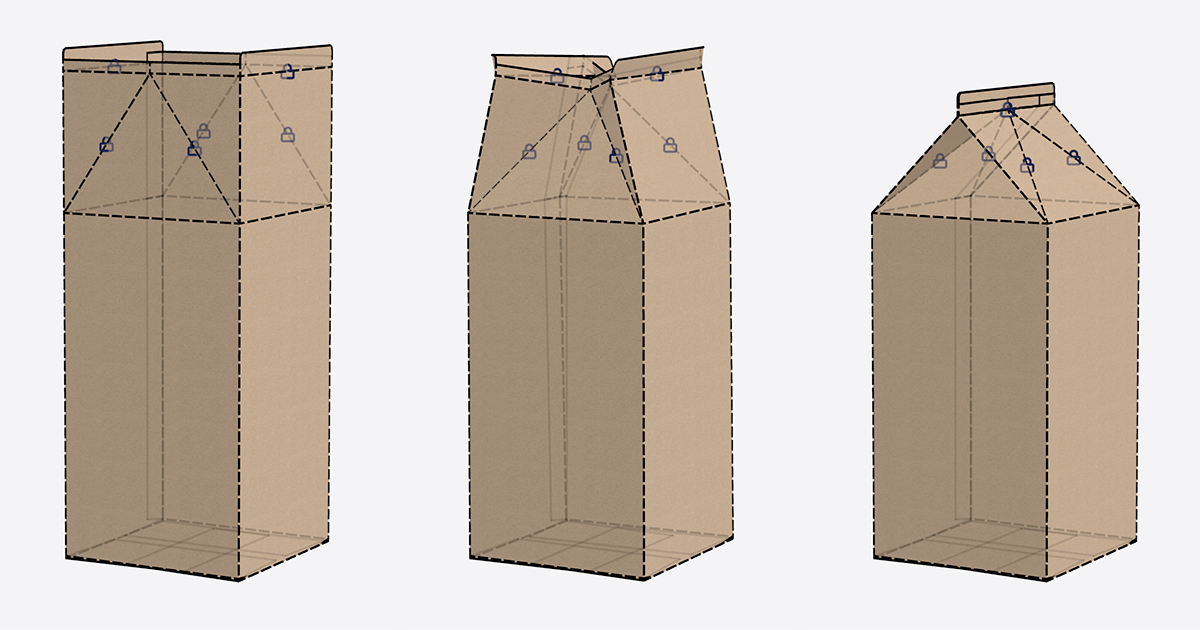
Set fold angles and keyframes to animate realistic folding.
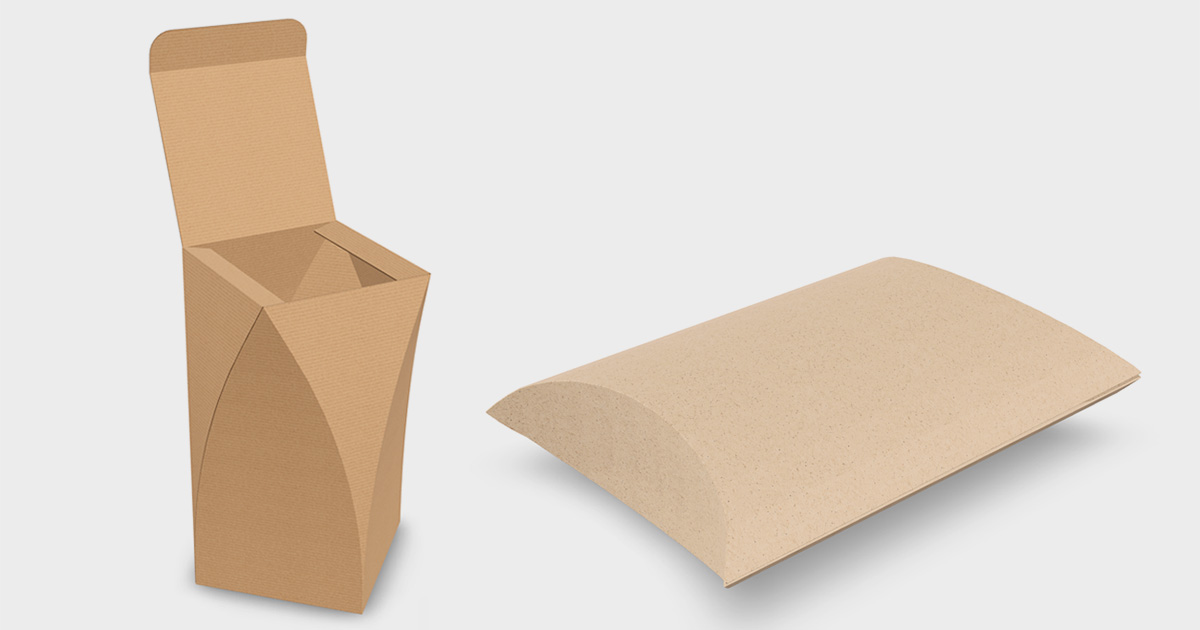
Learn techniques for working with curved folding in PackCAD Mockup.
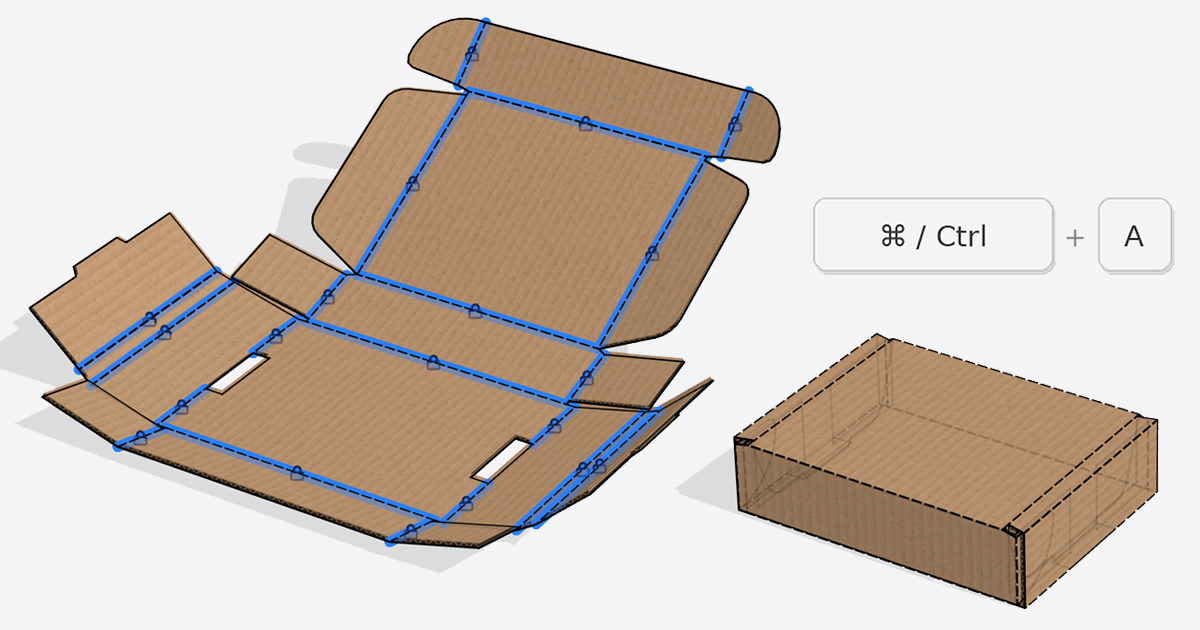
Speed up your workflow with practical tips and shortcuts.
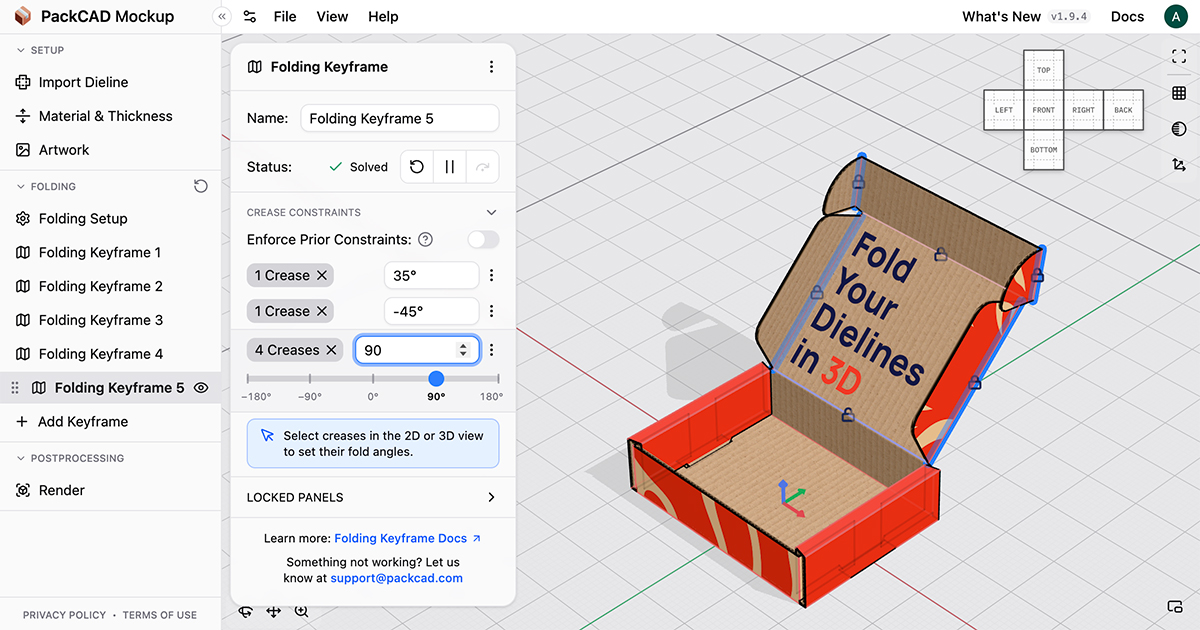
Get oriented with the PackCAD Mockup workspace, panels, and controls.
Tutorials
Step-by-step workflows that pair PackCAD Mockup with other software tools.