
From dieline to finished mockup in 5 steps
Your 2D file becomes a foldable mockup, a photorealistic rendering, or a shareable 3D model.
Step 1
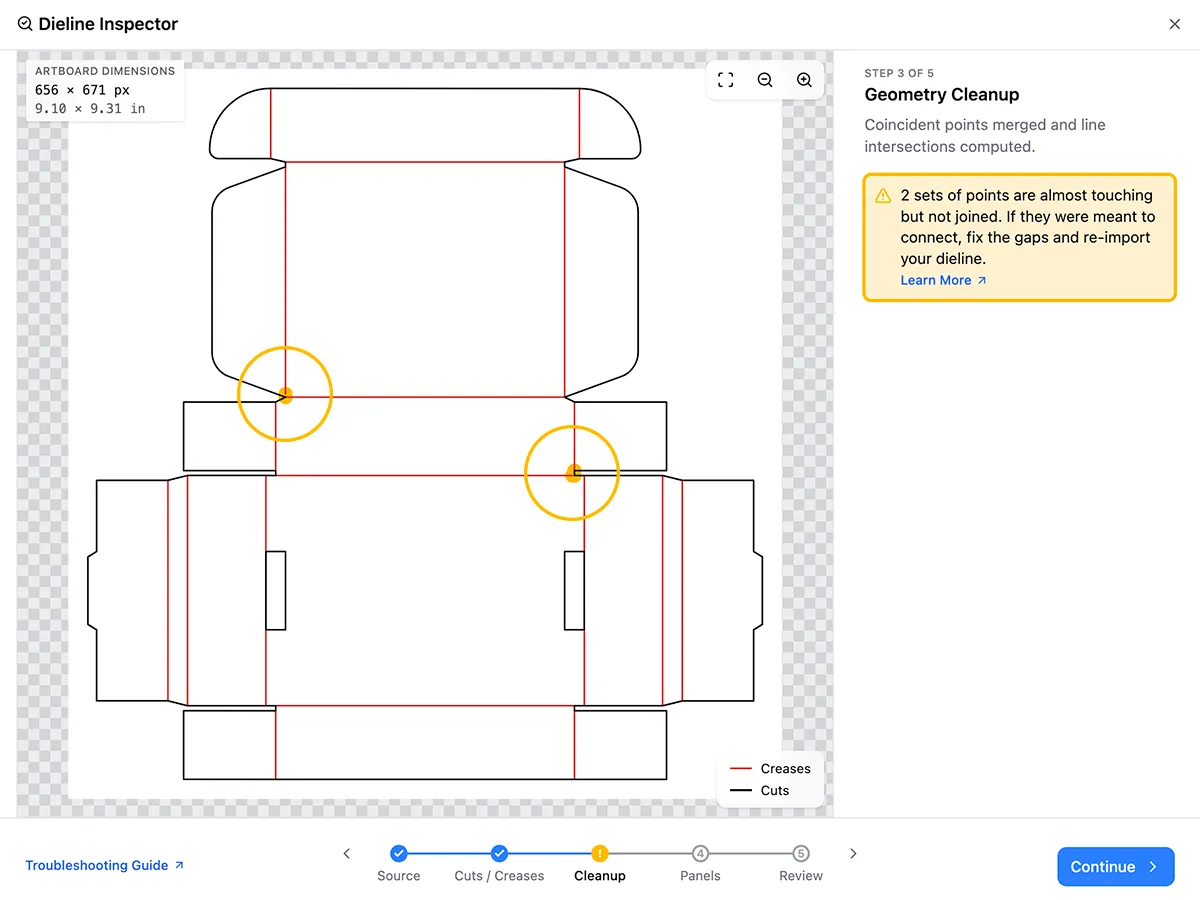
Import your dieline
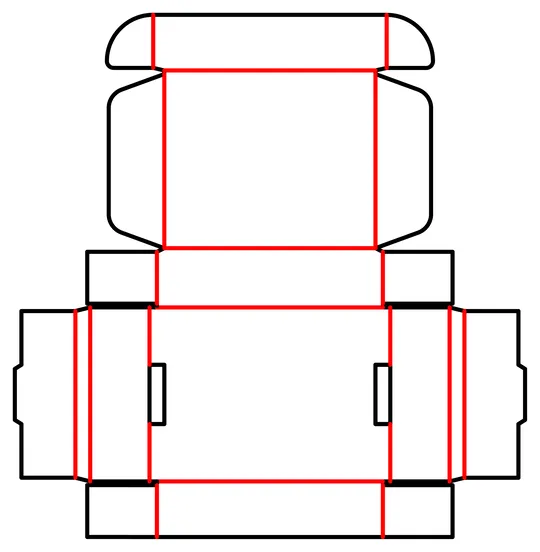
Import any dieline, including designs you've made from scratch. PackCAD Mockup detects cut and crease lines and flags structural issues like gaps and overlaps in your design.
Step 2
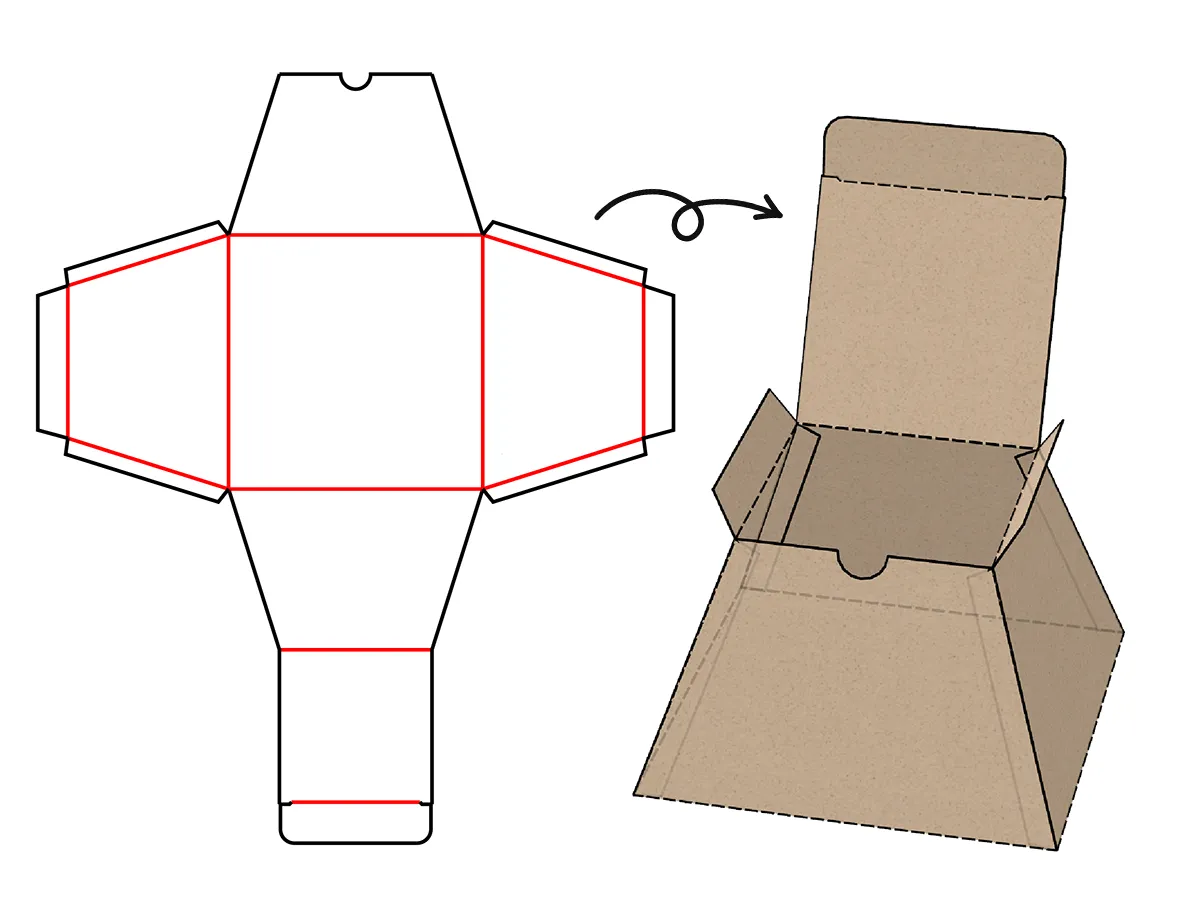
Fold from flat to 3D
Select creases and set fold angles to pose the model exactly how you want, then keyframe animations of your packaging folding and unfolding.
Step 3
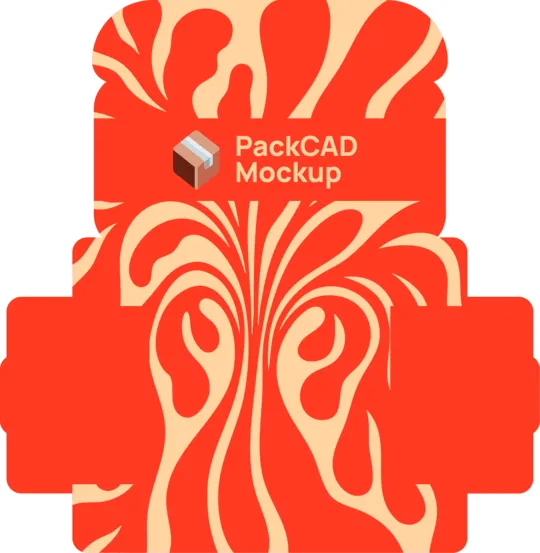
Apply artwork and materials
Add front and back artwork with pixel-perfect alignment, and choose from a library of realistic materials and thicknesses.
Step 4
Create photorealistic renderings
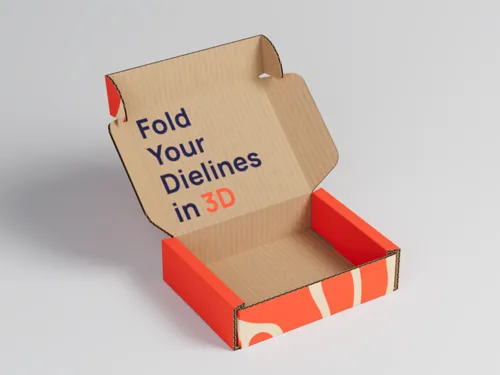
Create path-traced, presentation-ready 4K renderings in a few clicks, with no separate rendering software to learn.
Step 5
Export 3D models
Your model is yours to keep. Export it with artwork and materials baked in for client presentations, AR and web viewers, or any 3D tool you already use.
Runs in your web browser
No downloads, no installation. Works on every operating system across all devices.

Purpose-built for cartons and corrugated
Folds like the real thing
The most advanced folding engine in the industry. Curved creases, complex closures, and gussets animate on screen just like they will in production.
Presentation-ready mockups, fast
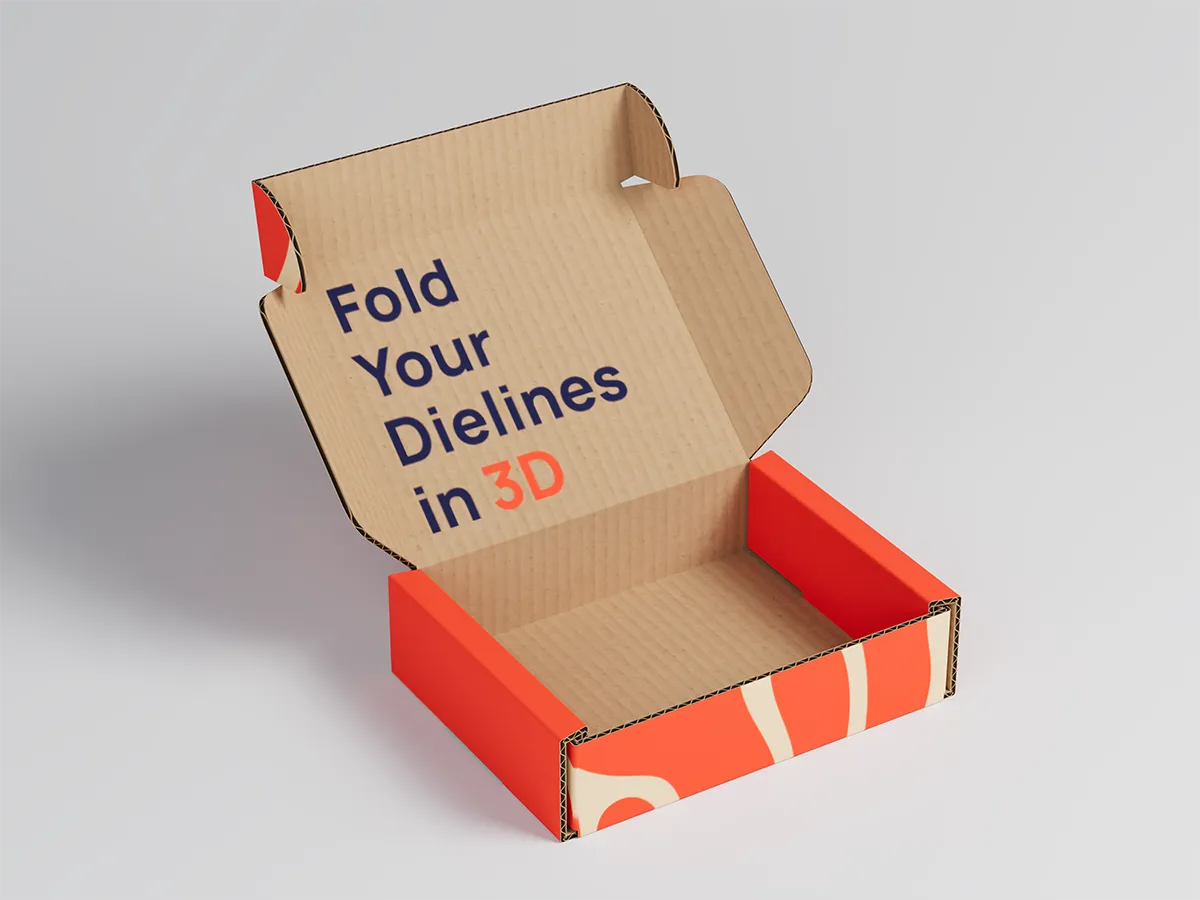
Photorealistic 3D packaging rendering in a few clicks
4K renderings that look like photos, not screenshots. Studio lighting, soft shadows, and true-to-life materials come built-in, so you can visualize the finished package before it's printed.
Learn morePackCAD Mockup is for anyone who works with packaging
Packaging Designers
Catch structural errors in 3D before you cut a sample.
Graphic Designers
See your design on the folded box, exactly as it will print.
Brands & Agencies
Get the packaging right before you commit to a production run.
Print & Packaging Suppliers
Create 3D proofs clients understand instantly, so approvals come faster.
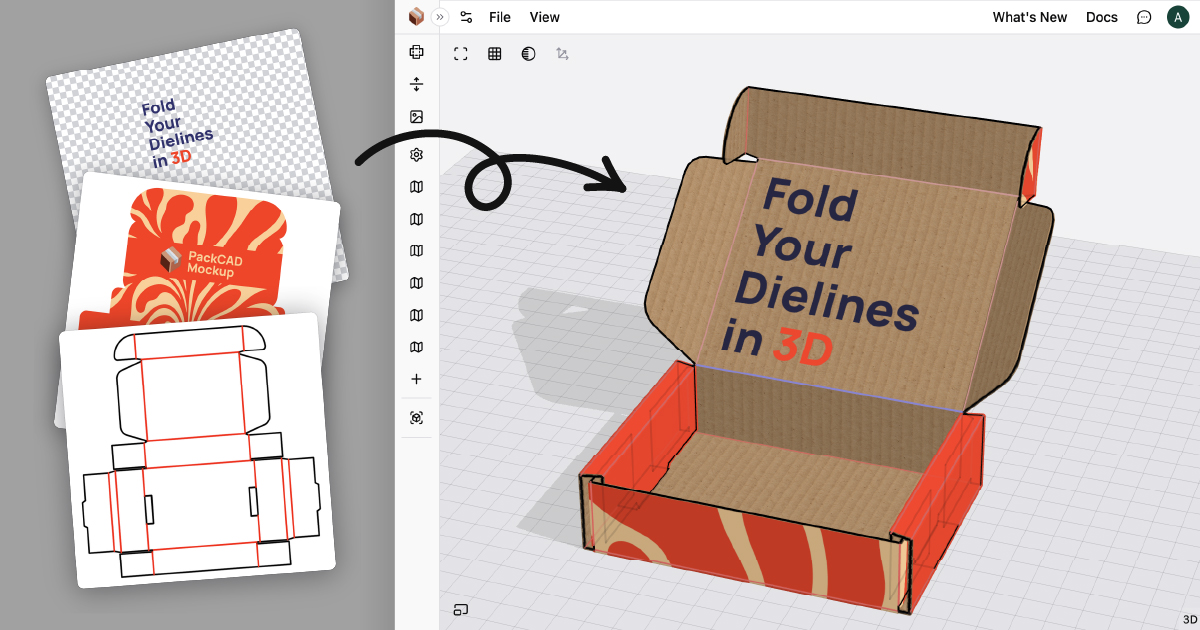
Create your first 3D packaging mockup right in the browser.
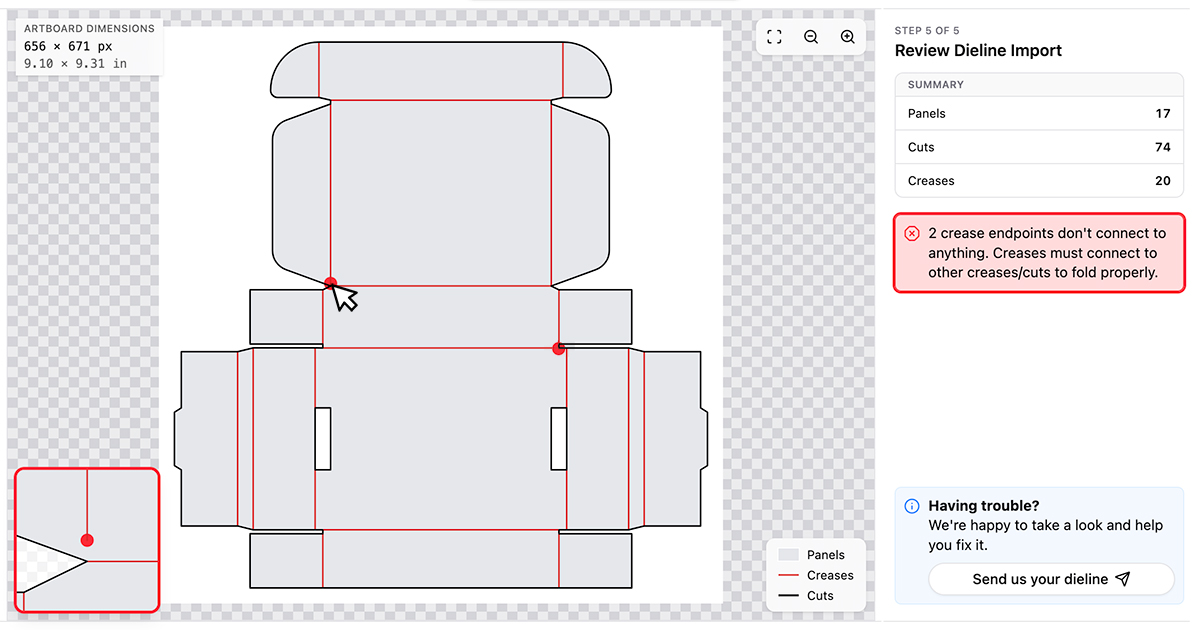
Fix common dieline issues so cuts and creases are detected cleanly.
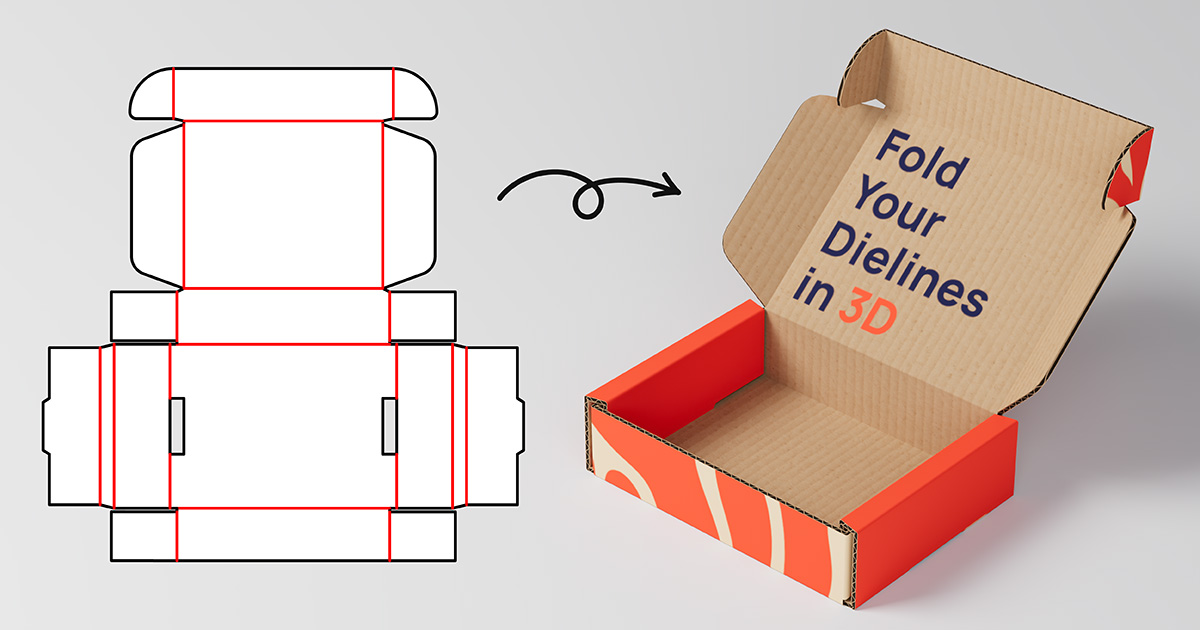
Create studio-quality renderings of your packaging without leaving the app.
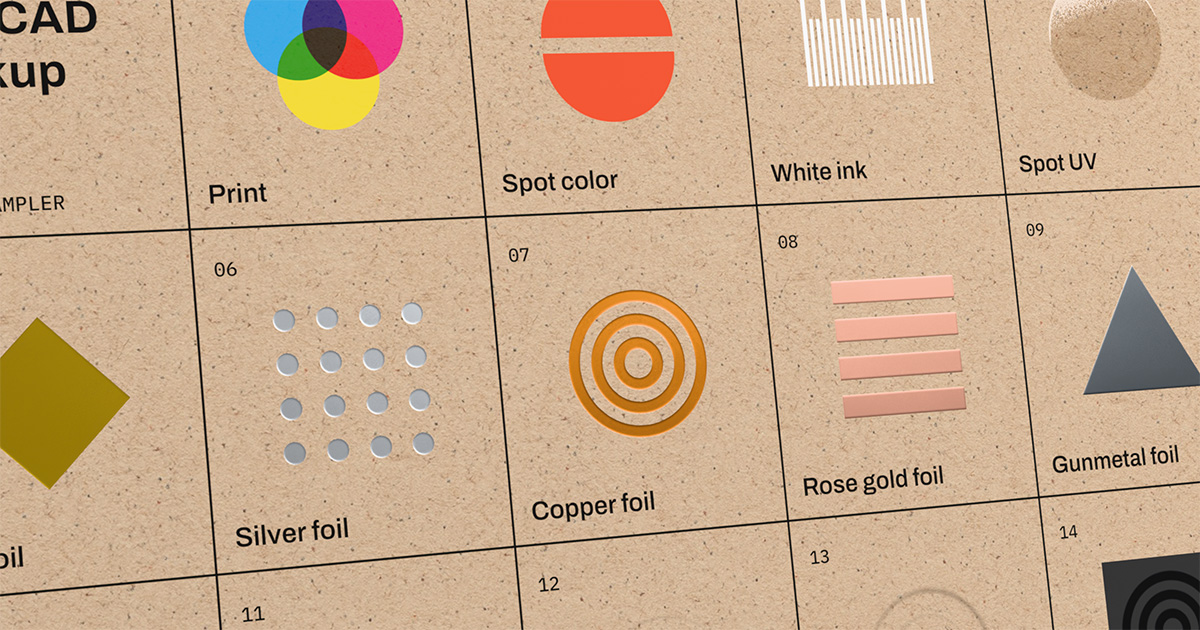
Preview spot UV, spot colors, foil, emboss, and coatings on your mockup.
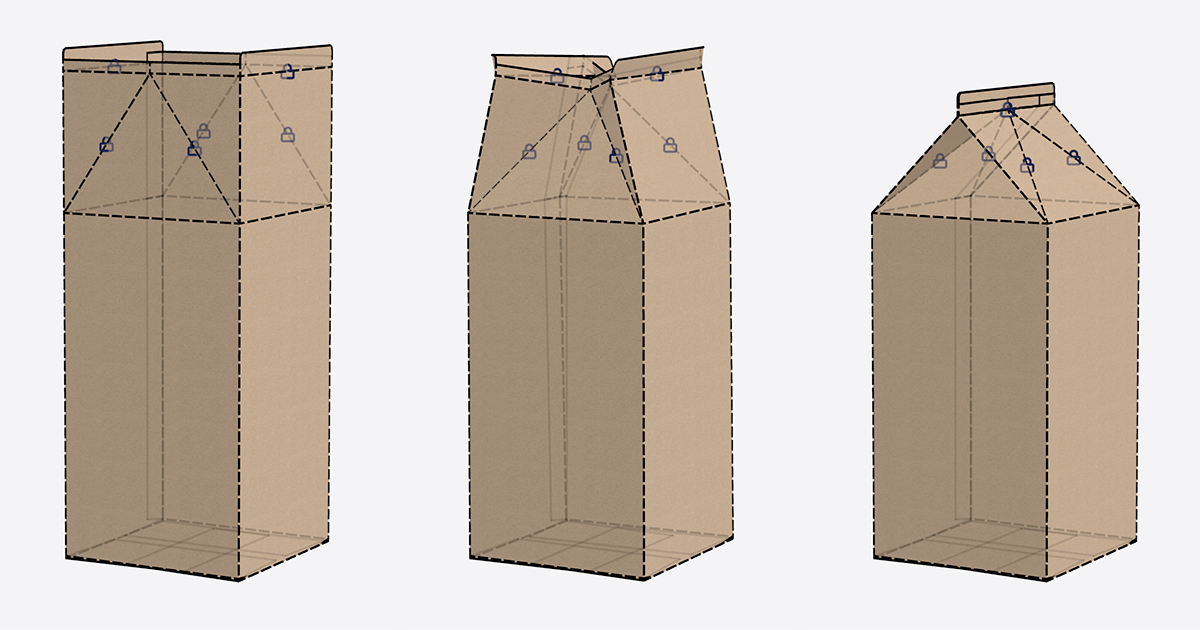
Set fold angles and keyframes to animate realistic folding.
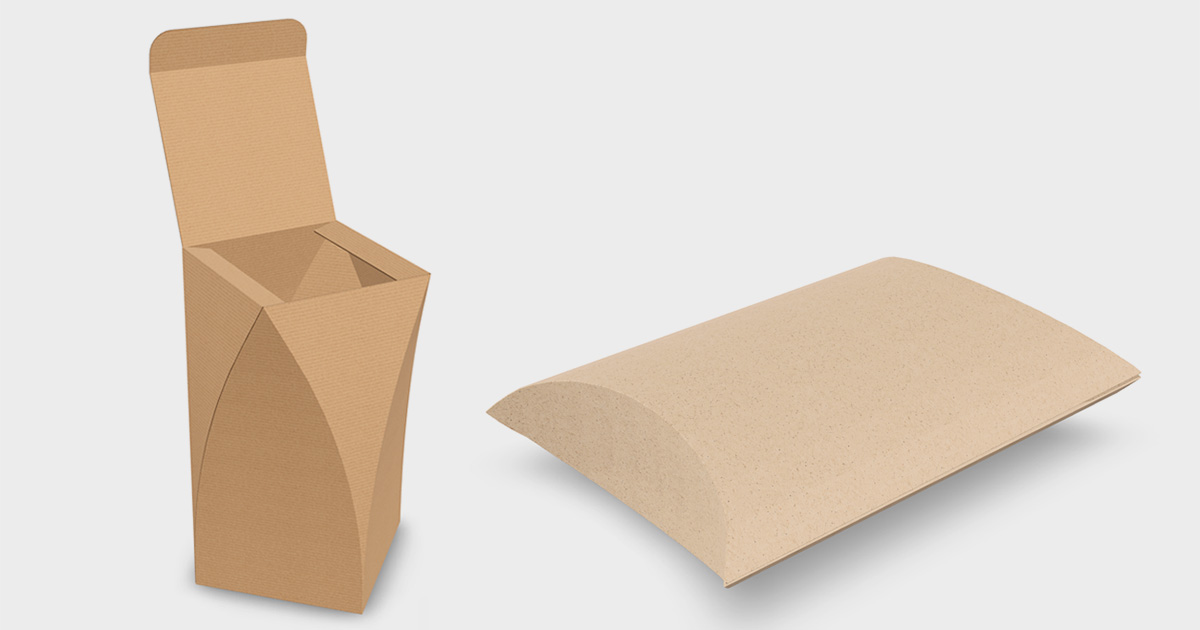
Learn techniques for working with curved folding in PackCAD Mockup.
Get started for free and upgrade when you're ready
Free
No credit card required
Get started with:
- Upload your own dielines
- Interactively fold, pose, and keyframe your packaging
- Apply artwork and realistic materials
- Preview photorealistic renderings
Pro
Production-ready mockups
$240/year · save $108
Everything in Free, plus:
- No watermarks
- Export 3D models (glTF, GLB, OBJ, HTML)
- Export photorealistic 4K renderings
- Export 360° turntable animations (MP4, GIF)
- Commercial use of renderings, animations, and 3D models
- Updates and technical support
Business
Share & collaborate with clients
$408/year · save $180
Everything in Pro, plus:
- Share animated 3D mockups with a private link
- Invite clients and teammates to view your designs
- Embed live 3D viewer anywhere
- Priority support and feature requests
Cancel anytime — your paid features stay active until the end of your billing period.