
PackCAD Mockup vs Pacdora
Both make 3D packaging mockups in your browser, but Pacdora is limited to designs in its template library. PackCAD Mockup accurately folds and renders your own custom dielines — and lets you export your designs as 3D models.
 Renderings & 3D models
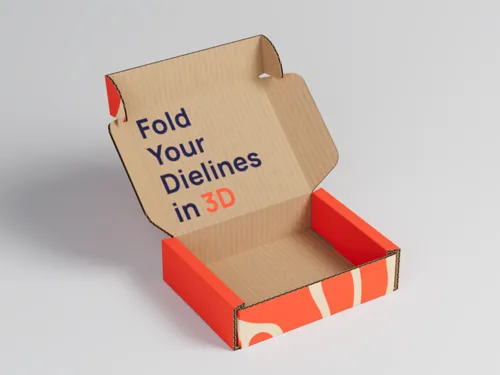
Export animations, renderings, and 3D models
Renderings & 3D models
Export animations, renderings, and 3D models
PackCAD Mockup vs Pacdora, side by side
If your packaging is a standard format, one of Pacdora's templates may fit. PackCAD Mockup is for packaging that doesn't come from a template library — custom shapes, unusual closures, your own structural designs. It builds a dimensionally-accurate 3D mockup from the exact dieline you drew.
What sets PackCAD Mockup apart:
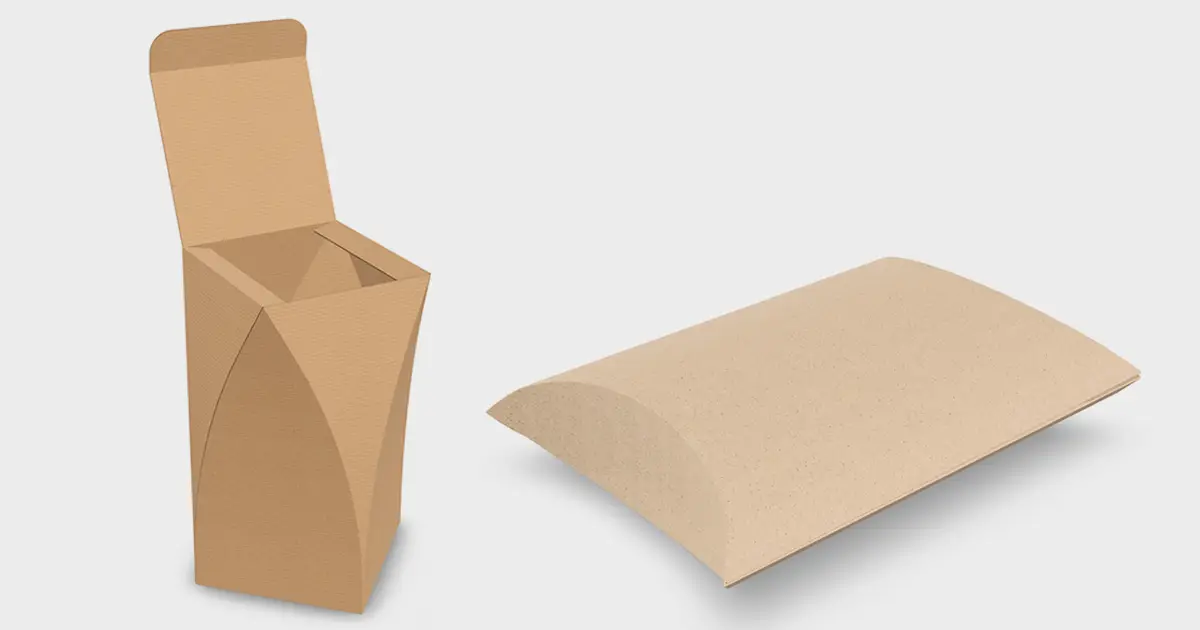
Fold your own dieline
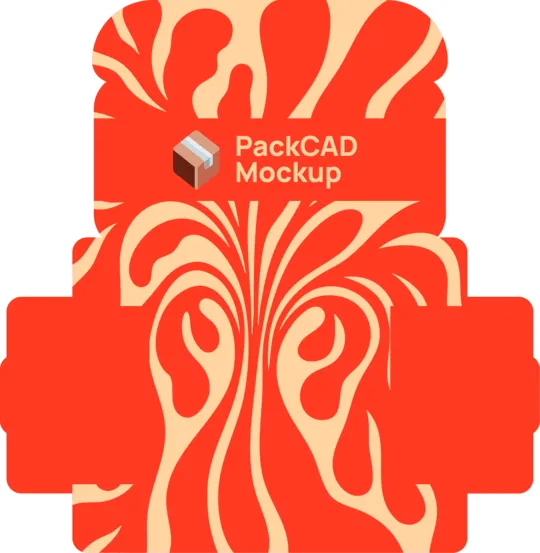
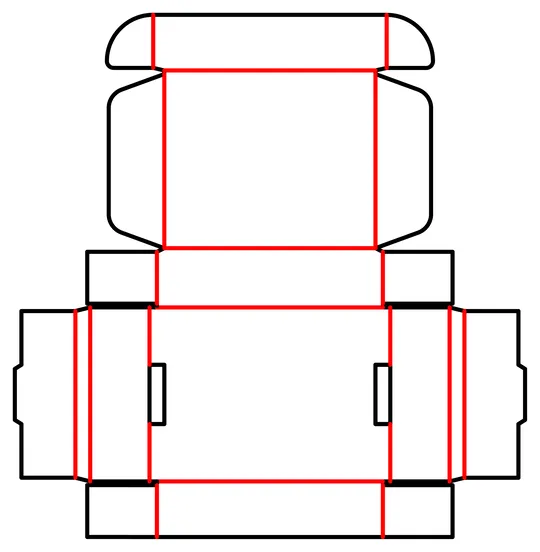
Start from your design, not a preset template. PackCAD Mockup turns it into a pixel-perfect, ready-to-fold 3D mockup, exactly as you drew it.
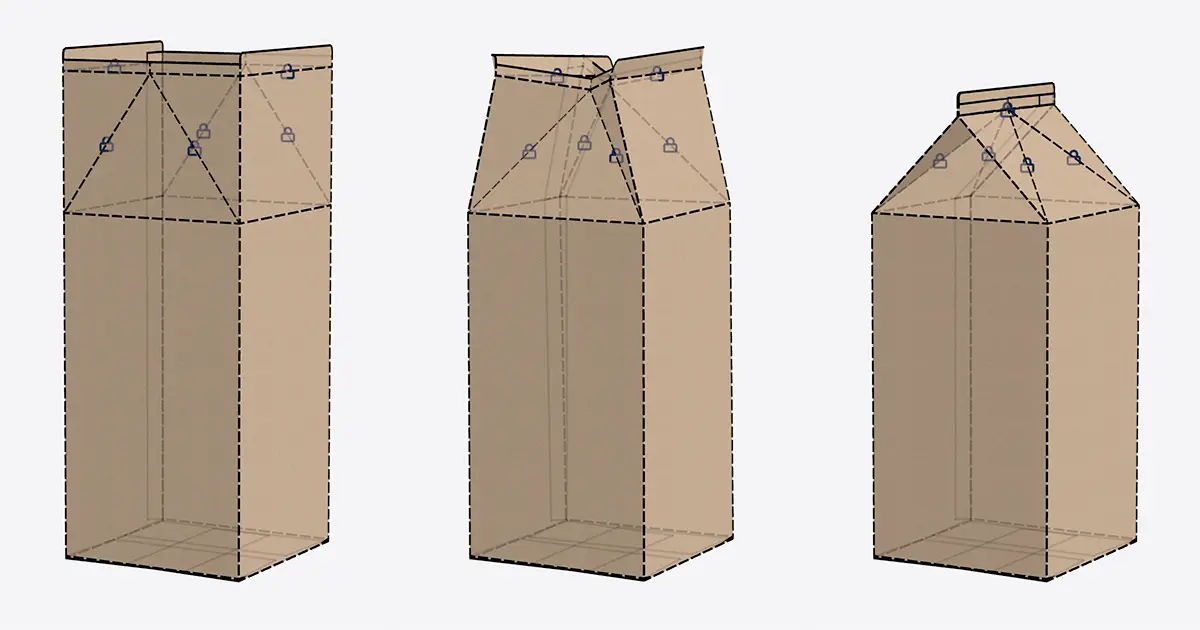
Custom poses and animations
PackCAD Mockup's physics-based simulation lets you pose or keyframe a folding sequence with a simple, interactive interface — not just replay a canned animation.
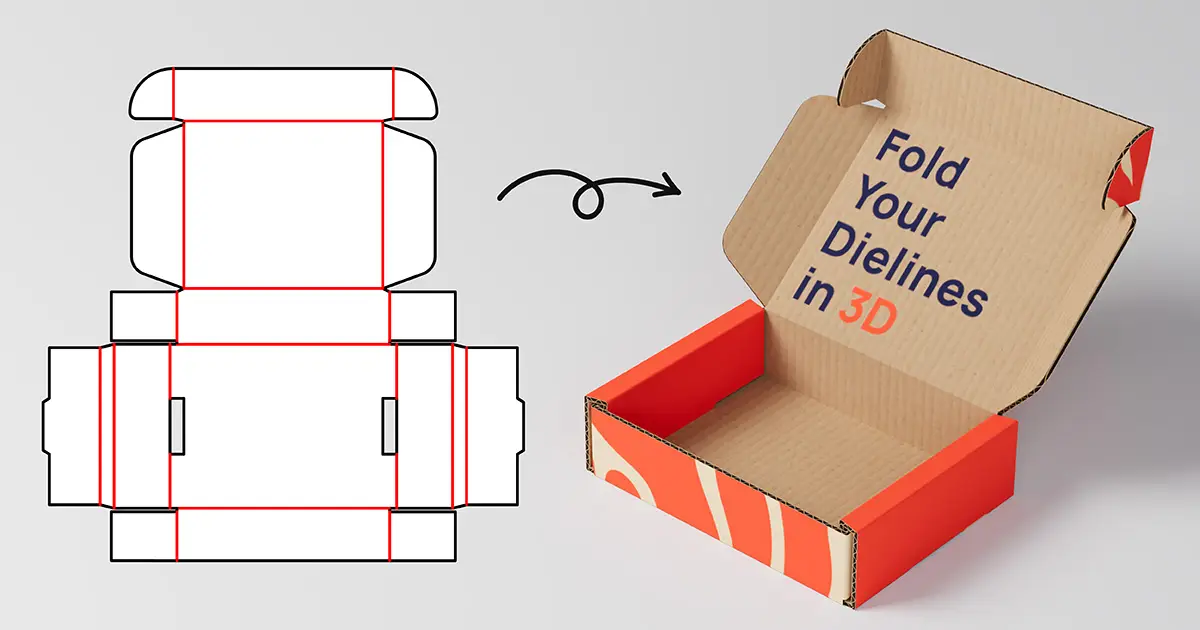
Export 3D models
Only PackCAD Mockup lets you download 3D assets (glTF, GLB, and OBJ) — ready for AR/VR, proofing, and any 3D workflow.
| Capability | PackCAD Mockup | Pacdora |
|---|---|---|
| Runs in your browser — no install | Yes | Yes |
| Upload your own custom dielines | Yes | Template-based |
| Apply your own artwork | Yes | Yes |
| Large pre-made template & mockup library | Focused on your dielines | Yes |
| Supported packaging formats | Folding carton and corrugated packaging | Folding carton, pouches, tubes, and more |
| Physics-based 3D folding simulation | Yes | No |
| Pose & keyframe folding animations | Yes | Preset animations |
| Realistic materials & thicknesses | Yes | Yes |
| Print finishes (foil, UV, emboss) | Yes | Yes |
| Photorealistic 3D rendering | Yes | Yes |
| Export 3D models (glTF, GLB, OBJ) | Yes | No |
| Free tier to start | Yes | Yes |
| Commercial use | $20–29/mo (Pro license) | $59–99/mo (Business license) |
Last updated
Comparison based on each product's publicly available information and positioning as of mid-2026. Spot something out of date? Email hello@packcad.com and we'll fix it.