
PackCAD Mockup vs Fantastic Fold
Both apps help you fold your dielines into 3D models, but PackCAD Mockup takes it further with in-app photorealistic rendering, plus dedicated support and documentation.
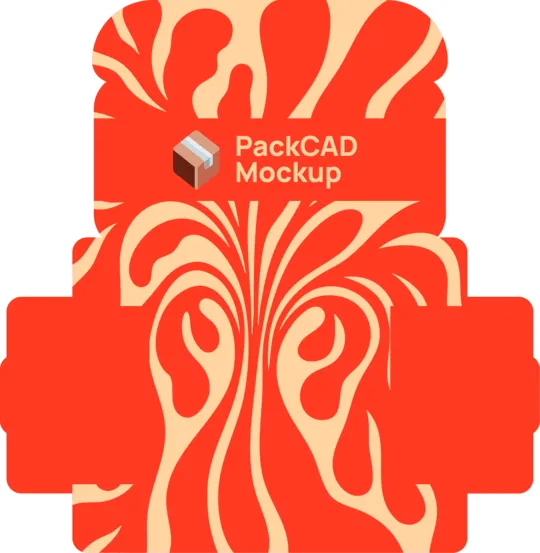
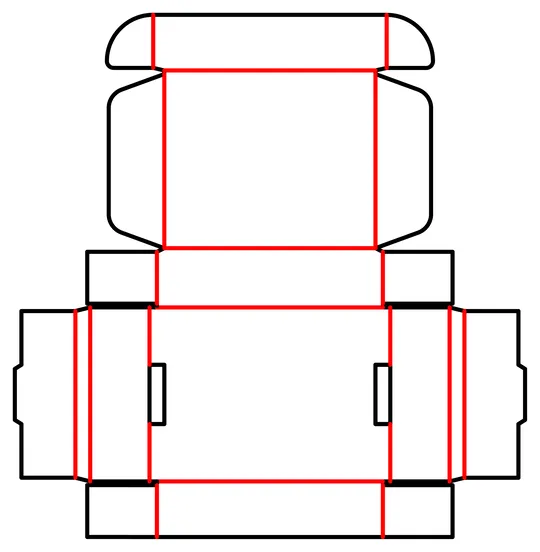
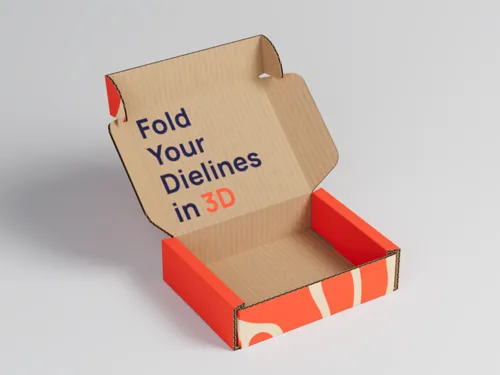 Renderings & 3D models
Export animations, renderings, and 3D models
Renderings & 3D models
Export animations, renderings, and 3D models
PackCAD Mockup vs Fantastic Fold, side by side
We know Fantastic Fold well: our founder was its lead developer at Adobe. Fantastic Fold is still an invite-only research beta, while PackCAD Mockup is a fully featured product that adds photorealistic rendering, extensive documentation, dedicated support, and new features shipping weekly.
What sets PackCAD Mockup apart:
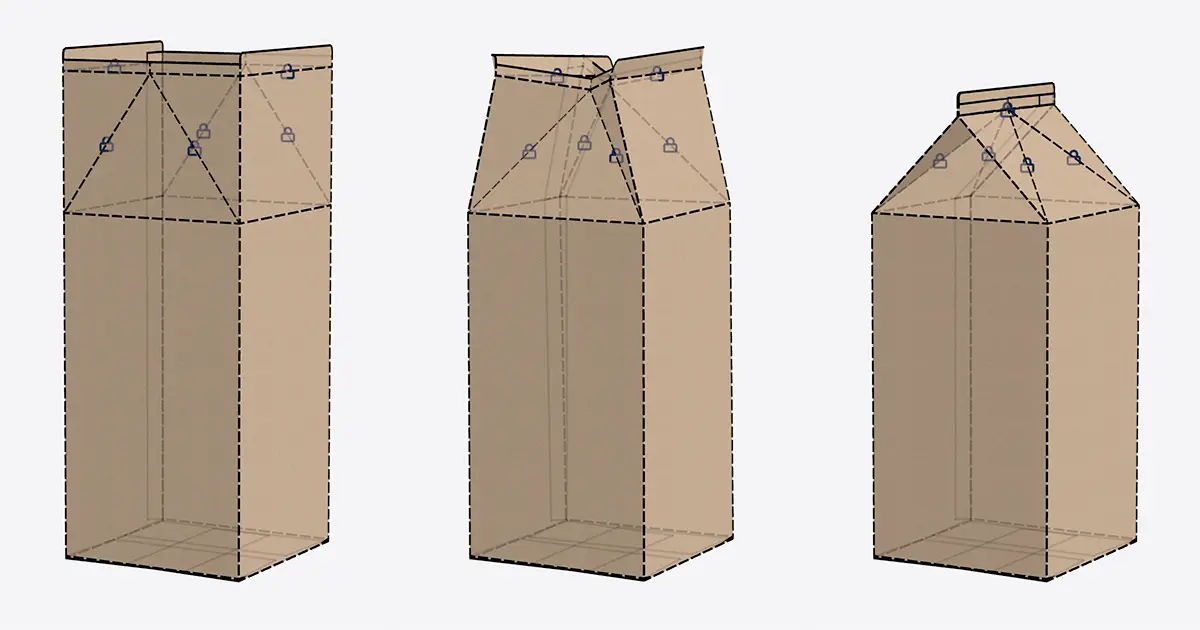
Free to start
Open PackCAD Mockup ↗ in your browser and start folding your dielines today — no invite, no waitlist, no sign-up required to try it out.
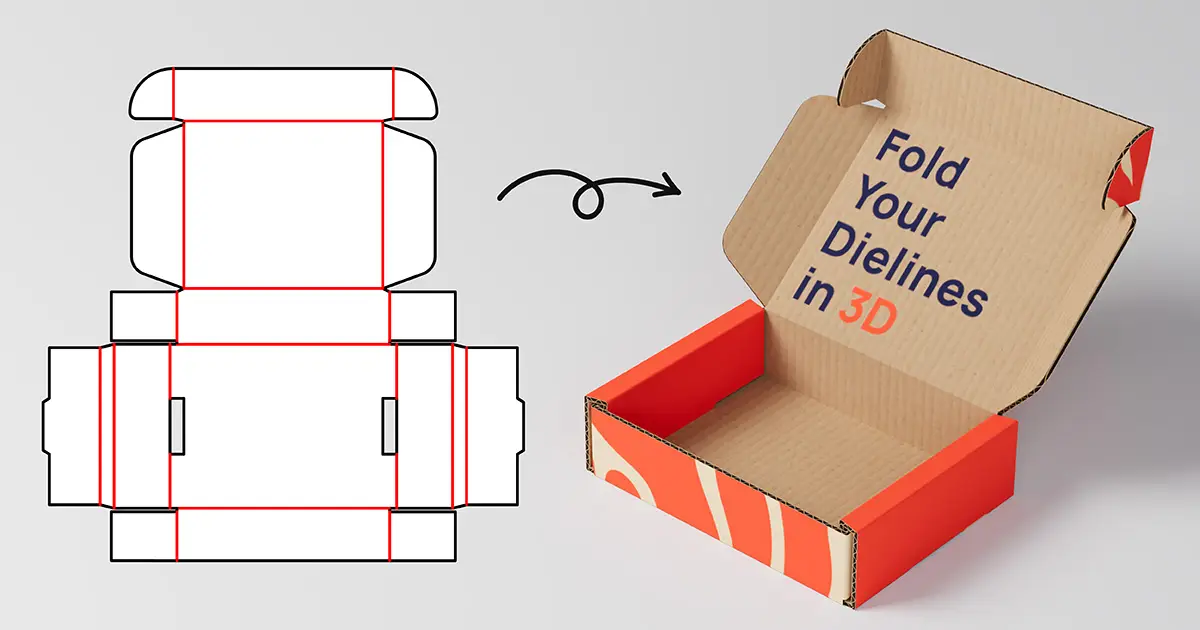
Studio-quality renderings
Create photorealistic 4K renderings in PackCAD Mockup with just a few clicks — no separate 3D software required.
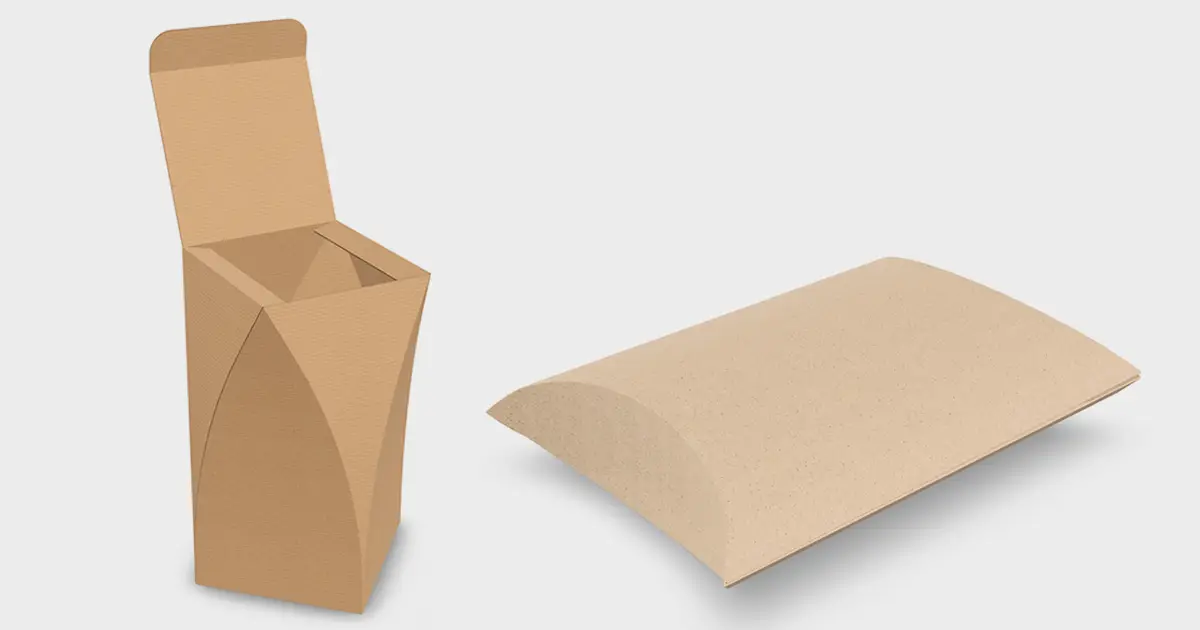
Updates and support
PackCAD Mockup is a full-fledged product, not an experiment. It's regularly updated, thoroughly documented, and backed by a real team when you need help.
| Capability | PackCAD Mockup | Fantastic Fold |
|---|---|---|
| Runs in your browser — no install | Yes | Yes |
| Available to everyone today | Yes | Invite-only beta |
| Upload your own custom dielines | Yes | Yes |
| Apply your own artwork | Yes | Yes |
| Physics-based 3D folding simulation | Yes | Yes |
| Pose & keyframe folding animations | Yes | Yes |
| Realistic materials & thicknesses | Yes | Yes |
| Print finishes (foil, UV, emboss) | Yes | No |
| Built-in photorealistic 3D rendering | Yes | Basic 3D preview |
| Export animations (MP4/GIF/PNG frames) | Yes | No |
| Export 3D models | Yes | Yes |
| Docs & dedicated support | Yes | Prerelease forum |
| Price | Free tier; Pro $20–29/mo | $23–35/mo (Creative Cloud license) |
Last updated
Comparison based on each product's publicly available information and positioning as of mid-2026. Spot something out of date? Email hello@packcad.com and we'll fix it.