
PackCAD Mockup vs Adobe Dimension
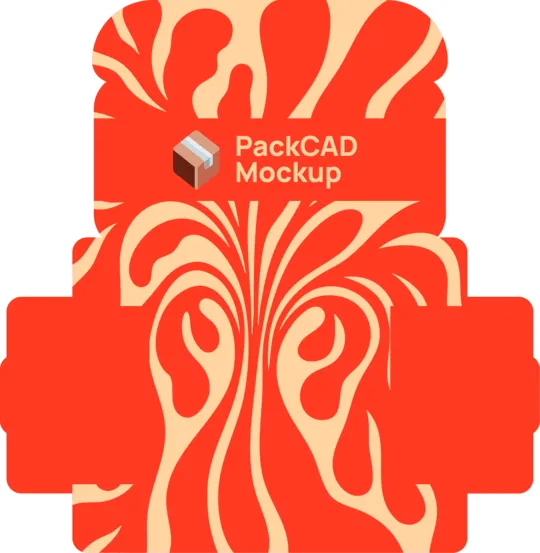
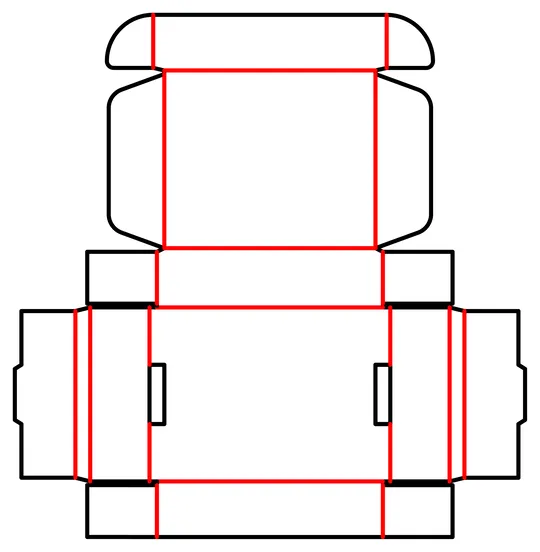
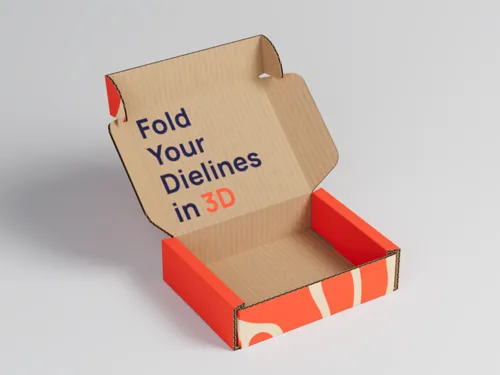
Adobe Dimension is a 3D staging tool: arrange models, light them, and render beautiful shots — but it needs a 3D model to start from. PackCAD Mockup creates a 3D model from your packaging dieline. Animate and render it in-app, or export it to Dimension.
 Renderings & 3D models
Export animations, renderings, and 3D models
Renderings & 3D models
Export animations, renderings, and 3D models
PackCAD Mockup vs Adobe Dimension, side by side
Creating a packaging mockup means building a 3D model of your design, applying artwork, and then lighting and rendering it — and Dimension handles only that final step. PackCAD Mockup covers the full pipeline end to end and gets you from dieline to studio-quality rendering in minutes.
What sets PackCAD Mockup apart:
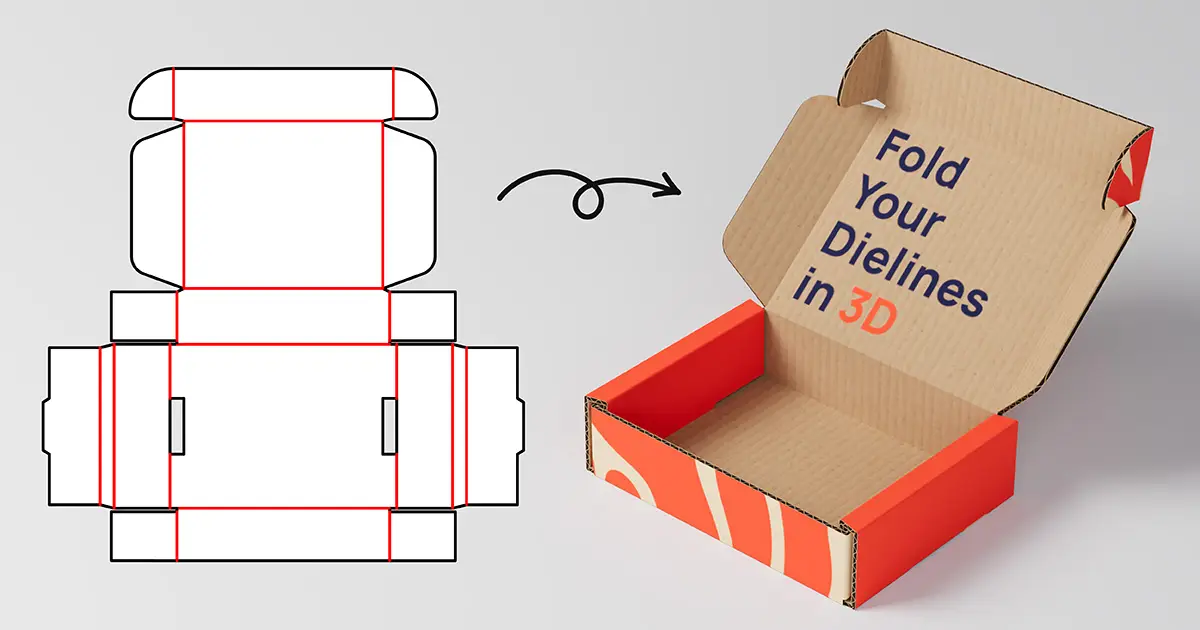
From dieline to 3D model
PackCAD Mockup works with the files you already have: upload your dieline and start folding right away, no 3D modeling experience required.
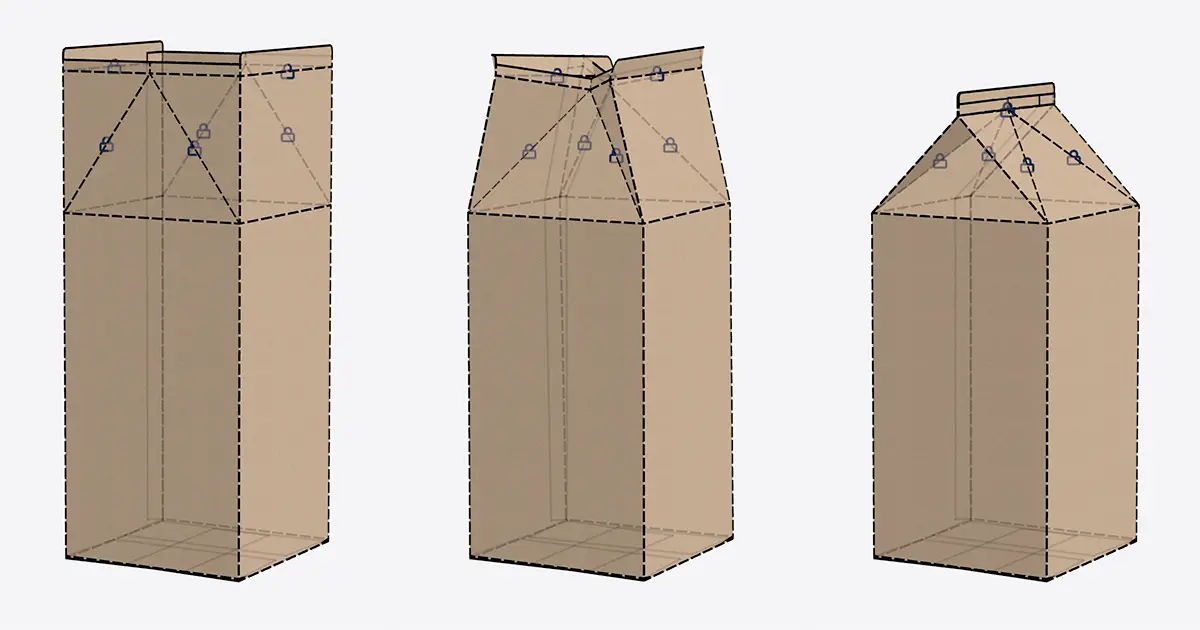
Pose and animate your packaging
You control every fold in PackCAD Mockup: open the lid, pose the box, or keyframe a full folding sequence.
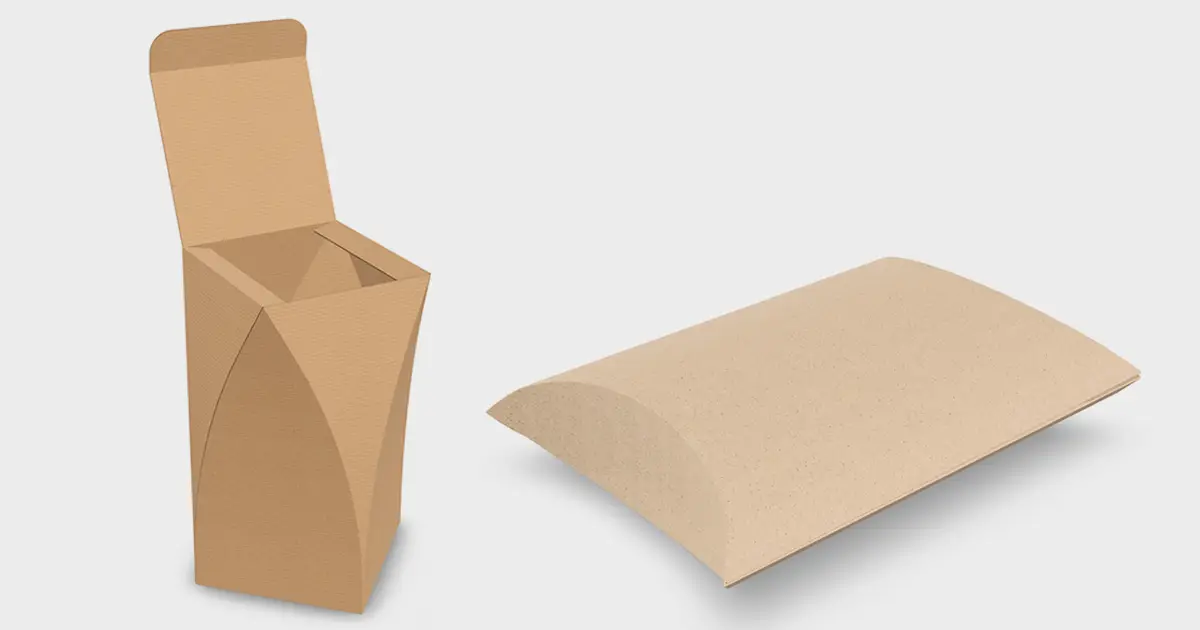
Purpose-built for folding cartons and corrugated
Paper thickness, crease behavior, and print finishes look right by default in PackCAD Mockup: the realism you'd otherwise spend hours dialing in by hand comes standard.
| Capability | PackCAD Mockup | Adobe Dimension |
|---|---|---|
| Runs in your browser — no install | Yes | Desktop install |
| Time from dieline to 3D mockup | A few minutes | Hours to days for a custom model |
| Builds the 3D model from your dieline | Yes | Requires a pre-made 3D model |
| Physics-based 3D folding simulation | Yes | No |
| Pose & keyframe folding animations | Yes | No |
| Apply your own artwork | Yes | Decals & materials |
| Supported packaging formats | Folding carton and corrugated packaging | Cans, pouches, bottles, and more |
| Packaging-ready materials & thicknesses | Yes | General 3D material library |
| Rendering setup required | One click | Scene, lighting, and materials |
| Library of stock 3D models & materials | No | Adobe Stock 3D assets |
| Compose scenes with multiple products & props | Focused on your packaging | Yes |
| Photorealistic path-traced rendering | Yes | Yes |
| Export animations | Yes | No |
| Export 3D models | Yes | Yes |
| Actively developed | Yes | Maintenance only |
| Price for commercial use | $20–29/mo (Pro license) | $50–82/mo (Creative Cloud Standard) |
Last updated
Comparison based on each product's publicly available information and positioning as of mid-2026. Spot something out of date? Email hello@packcad.com and we'll fix it.